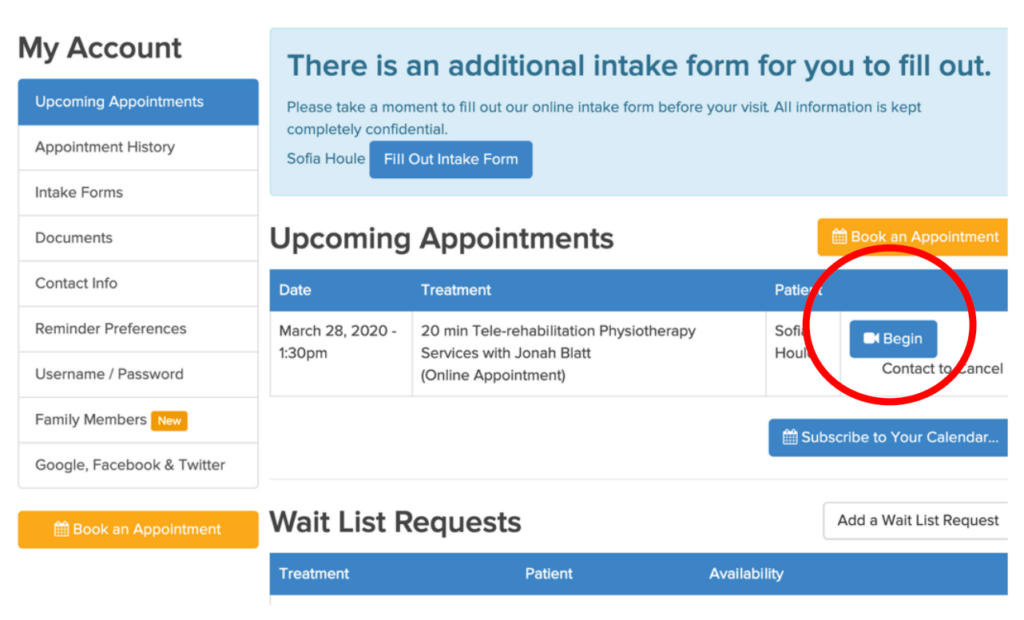

TO DO BEFORE YOUR APPOINTMENT:
Follow these simple steps before your appointment to ensure you’re ready to go!
1. Set up your JANE username and password:
- Find your ‘Welcome’ email and click the link
- OR go to: https://physioplushealth.janeapp.com/login
2. Download Chrome:
- Our platform works best with the Google Chrome web browser.
- Please ensure you have this installed on your computer prior to your appointment
- Please ensure you use chrome when logging into your appointment.
3. If You’re Using an iPad or iPhone:
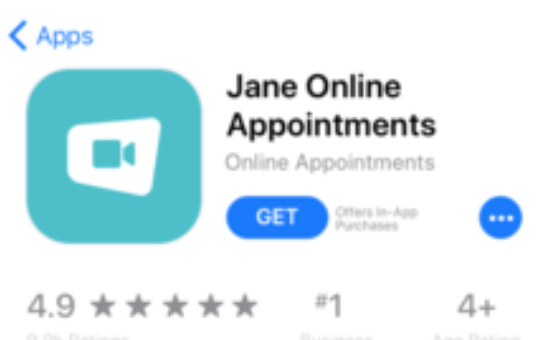
- Download the Jane Online Appointments App
- Note: This App is simply a communication tool for Jane. You will not have access to begin your appointment from this tool. Please follow the steps on Page 2 on how to begin your appointment.
TO JOIN YOUR APPOINTMENT:
1. Open the Google Chrome web browser.
2. Log on to your appointment by either OPTION A or OPTION B below:
OPTION A:
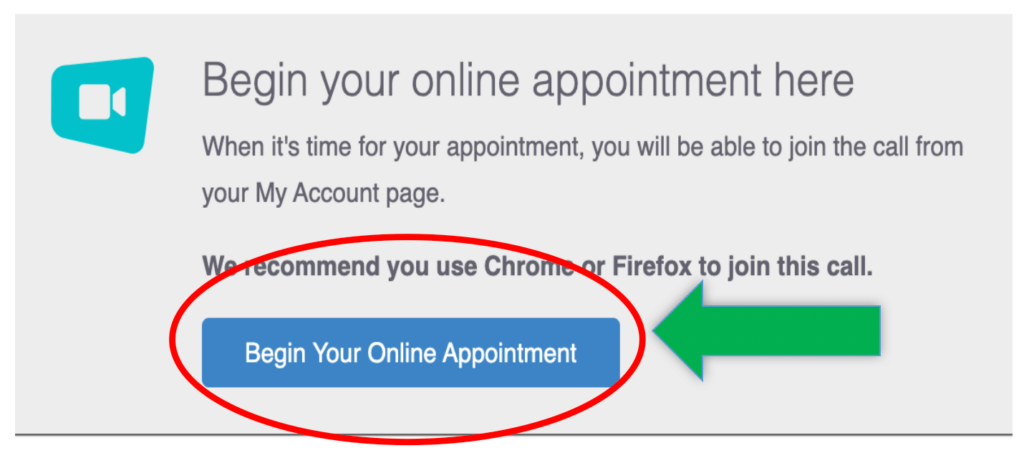
Check your email inbox and find the appointment reminder email and click the BEGIN YOUR ONLINE APPOINTMENT button
OR
OPTION B:
Log on to your JANE account: https://physioplushealth.janeapp.com/login and go to UPCOMING APPOINTMENTS. Click the BEGIN button.